
IFOS subsystem
The systems built on IFOS, and the installer that puts them on a computer
How it fits together
IFOS2 is the base: a small Debian 13 core. IFelxOS2 is the complete operating system built on top of it, and the ODE installer is the installer, made from the same foundation, that writes it to a disk. itelxOS 1.3 is a separate system with its own kernel that ODE also installs.
Everything on this page was tried in a virtual machine (QEMU/KVM, UEFI and BIOS) before it was written: booted, installed and started from the installed disk. The screenshots come from those runs.
IFOS2 — the base
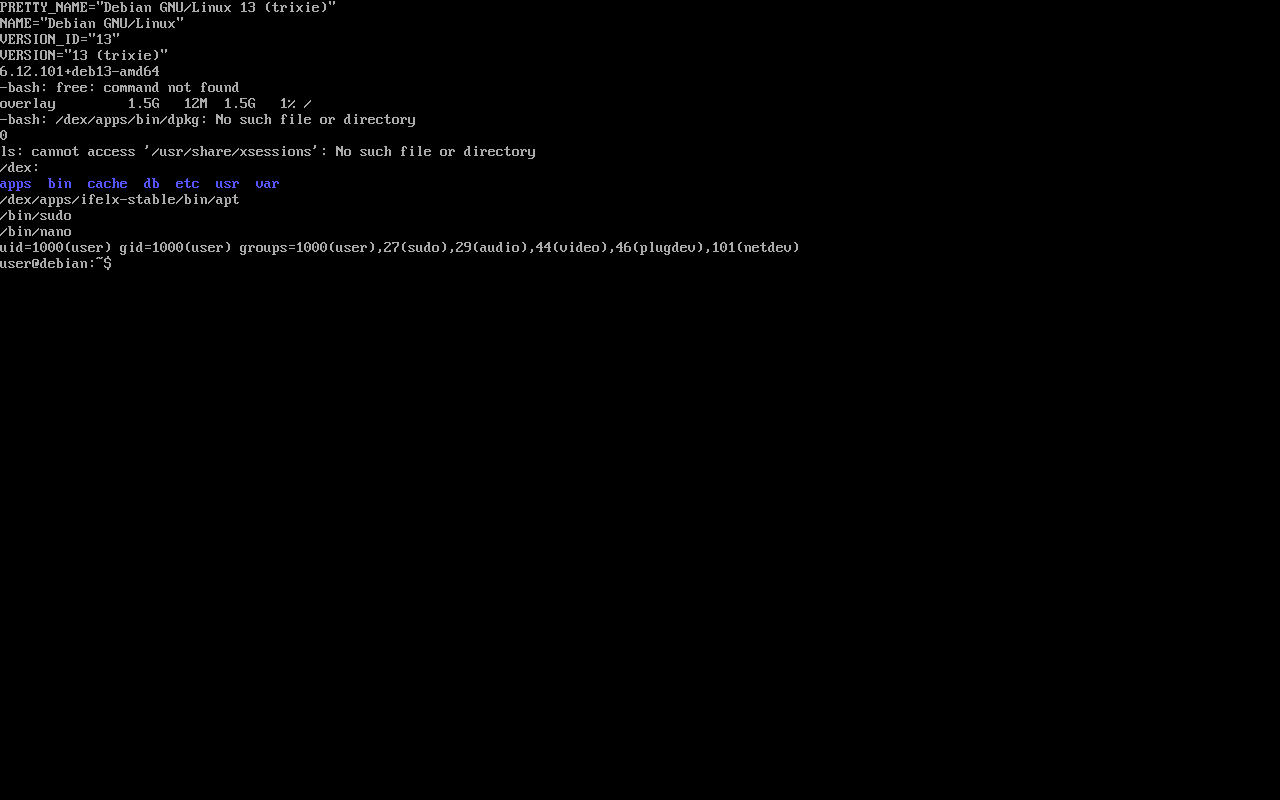
IFOS2 is the lightweight core and system foundation that IFelxOS2 and the ODE installer are made from. It is a live Debian 13 (trixie) system with Linux 6.12 that starts straight into a text console, signed in as user. It has no desktop and no installer: it is the starting point for building systems.
Its own programs live under /dex, apart from the Debian tree: /dex/apps/ifelx-stable (BusyBox tools, apt, dpkg, flatpak), /dex/apps/xv4.sh (the xv4 package manager, which installs apps isolated under /dex/apps), and /dex/db and /dex/cache for its package data.
| Type | Live system, text console |
| Based on | Debian 13 (trixie), Linux 6.12 |
| ISO size | 706 MB |
| Boot | GRUB, menu entry “IFOS2 Live” |
| Session | Signs in automatically as user (member of sudo) |
| Package tools | apt, dpkg, flatpak, xv4.sh |
| Licence | AGPL-3.0; Debian programs keep their own licences |
| Architecture | x86-64 |
Using it
Write the ISO
Write IFOS2.iso to a USB stick (Rufus, Etcher or dd) or open it in a virtual machine.
Start “IFOS2 Live”
GRUB starts it after 5 seconds. The console opens signed in; sudo works without a password in the live session.
Look around
The network card starts switched off; bring it up yourself when you need it. Some everyday commands are left out on purpose (for example free) to keep the core small.
# what IFOS2 is and where its tools are
cat /etc/os-release
ls /dex/apps
ip -br a
IFelxOS2
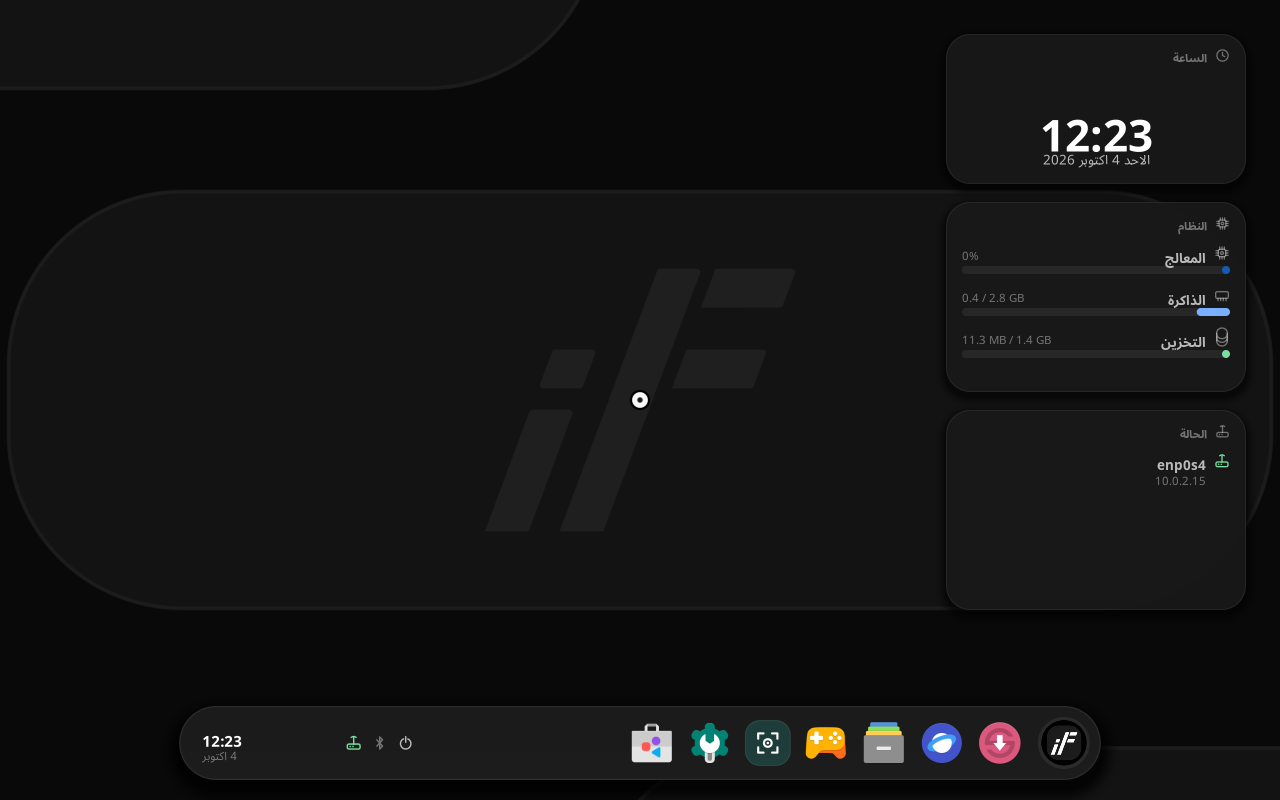
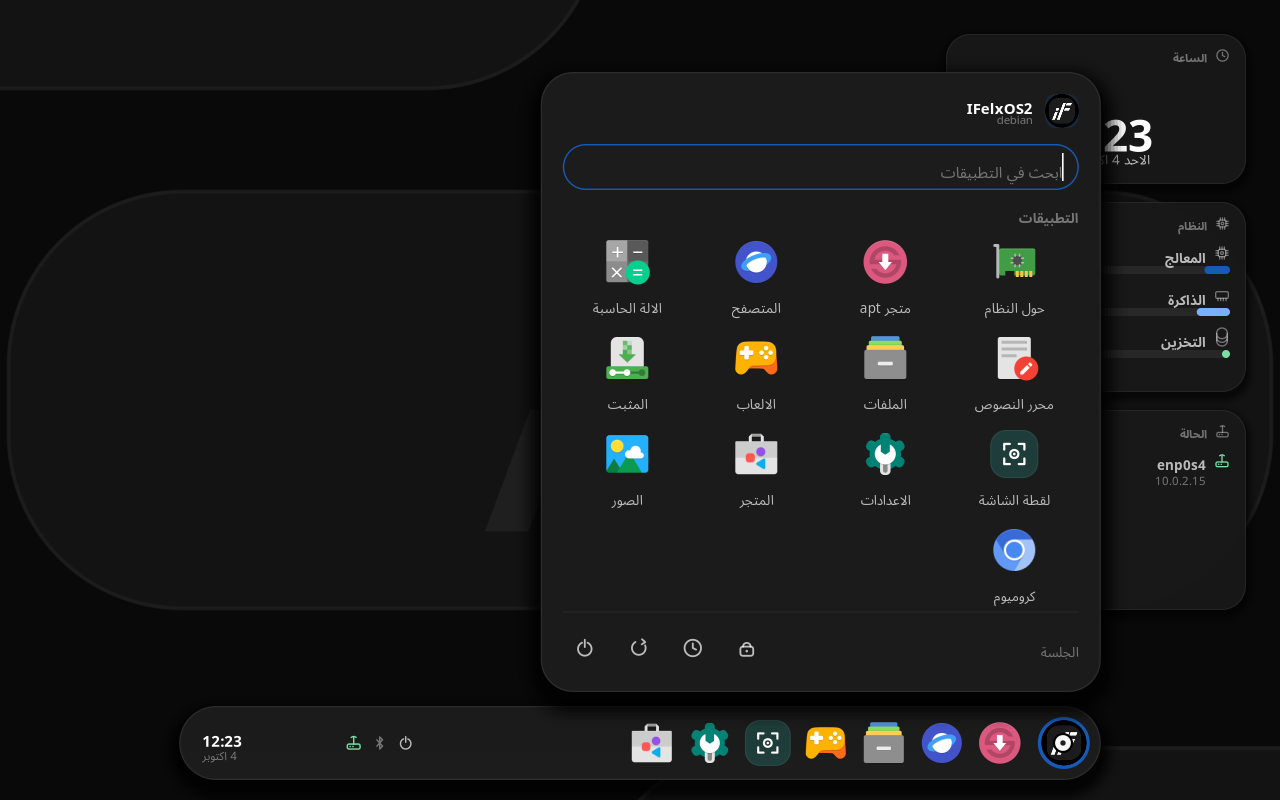
IFelxOS2 is the complete operating system built on IFOS. Its desktop, IFelxUi, is a native program that draws straight on the screen (DRM/KMS with cairo and pango): there is no X server, and a small Wayland compositor inside it runs ordinary Linux programs. The interface starts in Arabic (right to left) and switches to English.
It comes with a file manager, text editor, photos, calculator, screenshot tool, settings, games, a web browser and Chromium, an app store and an apt store. Widgets on the desktop show the clock, processor, memory, storage and network.
| Based on | IFOS2 (Debian 13), Linux 6.12 |
| Desktop | IFelxUi (native, Wayland programs inside) |
| Download | The ODE installer for IFelxOS2, 1.1 GB |
| Disk | 6 GB at least; about 2.8 GB used after installation |
| Starts on | UEFI (IFelxBoot) and BIOS (GRUB) |
| Languages | Arabic and English |
| Licence | AGPL-3.0 |
Licence
IFelxOS2 is licensed under the GNU Affero General Public License v3.0. You may use it, study it, change it and share it; if you share a changed version, or run it for others over a network, its source must be available under the same licence. The Debian programs inside keep their own free licences, listed in /usr/share/doc/*/copyright. The installer shows these terms and asks you to accept them before installing.
Installing it
IFelxOS2 is downloaded as its ODE installer: start the computer from it and the installer opens directly.
Make the USB stick
Any way works: Rufus (either mode), Etcher, Ventoy or dd. Start the computer from the stick.
Start, terms, disk
Press Start, accept the terms, choose the disk. The stick you started from is never offered.
Installation type
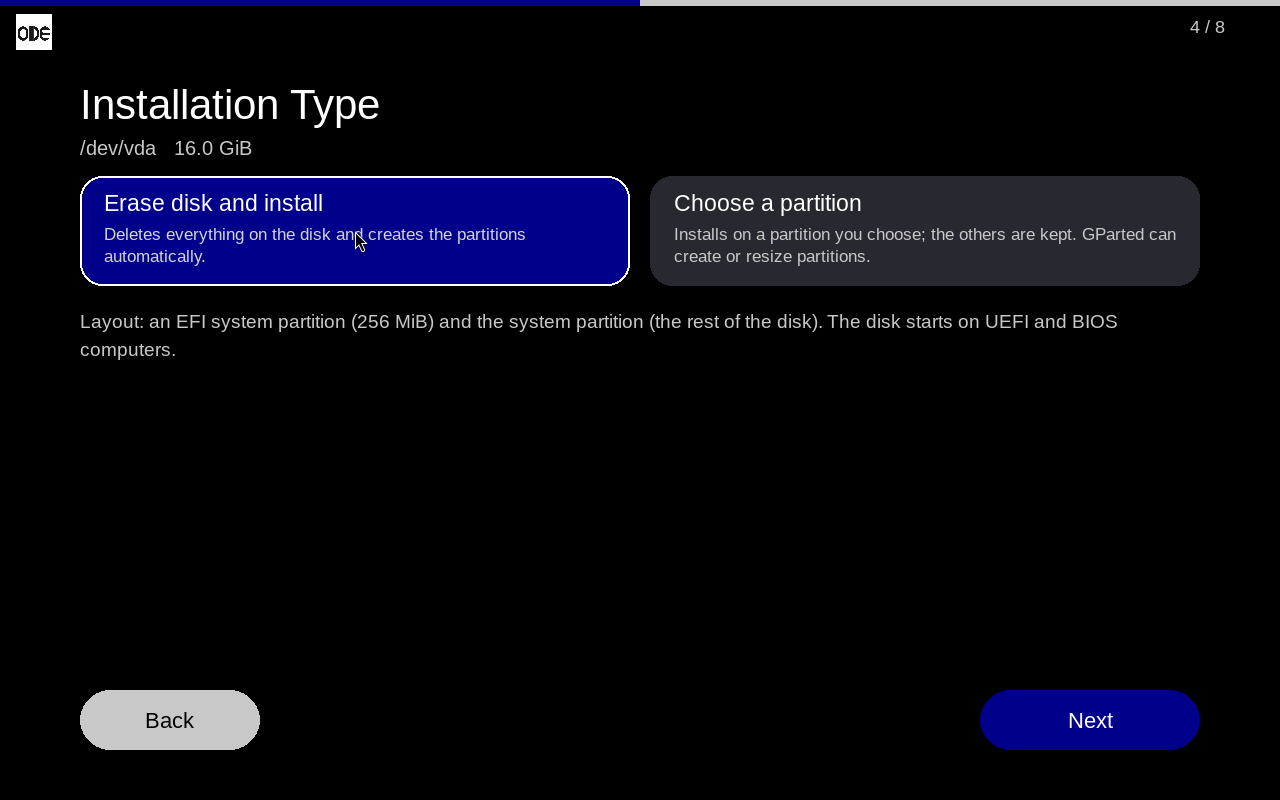
Erase disk and install takes the whole disk. Choose a partition keeps the others; GParted opens from this page to make room.
Your account
Computer name, account name and password. This account can manage the computer with its password (sudo).
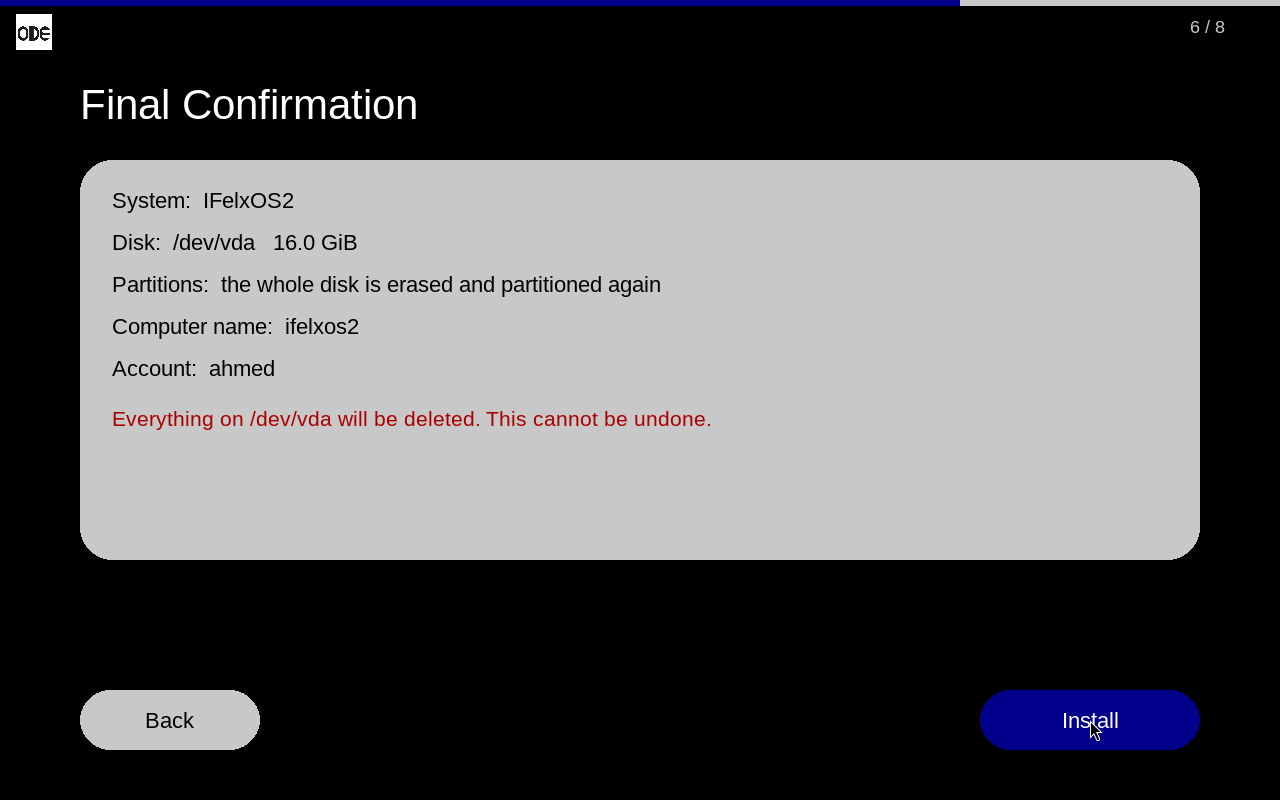
Install and restart
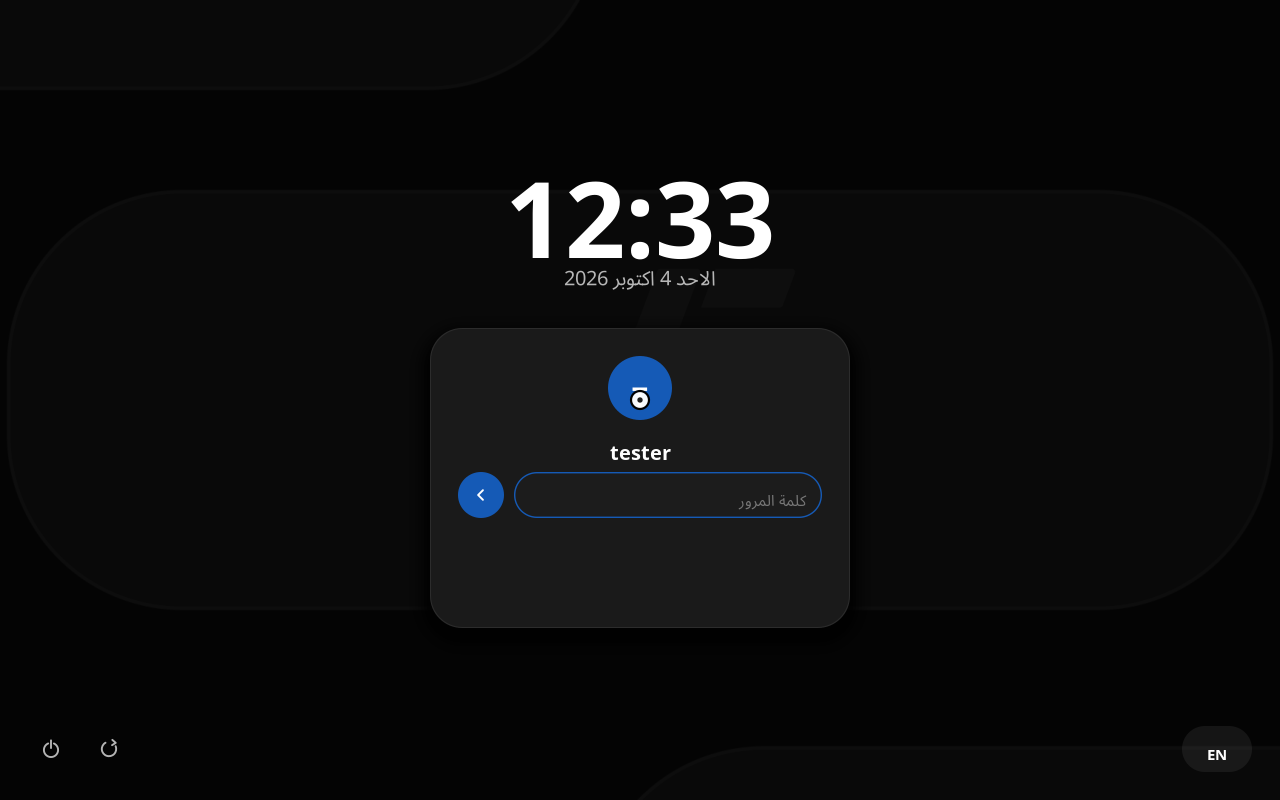
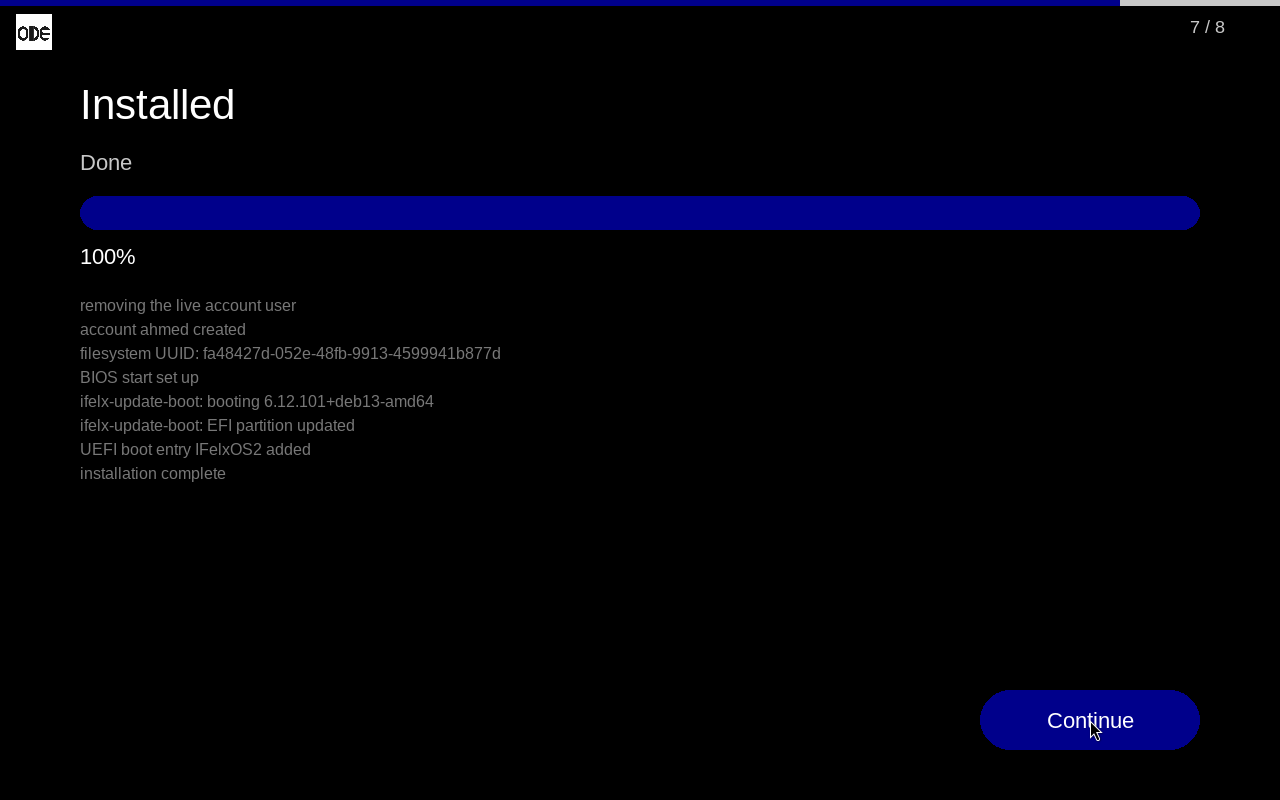
After Done, remove the stick and restart. The installed system opens on its sign-in screen; the live account is removed and root is locked.
ODE installer Open Source
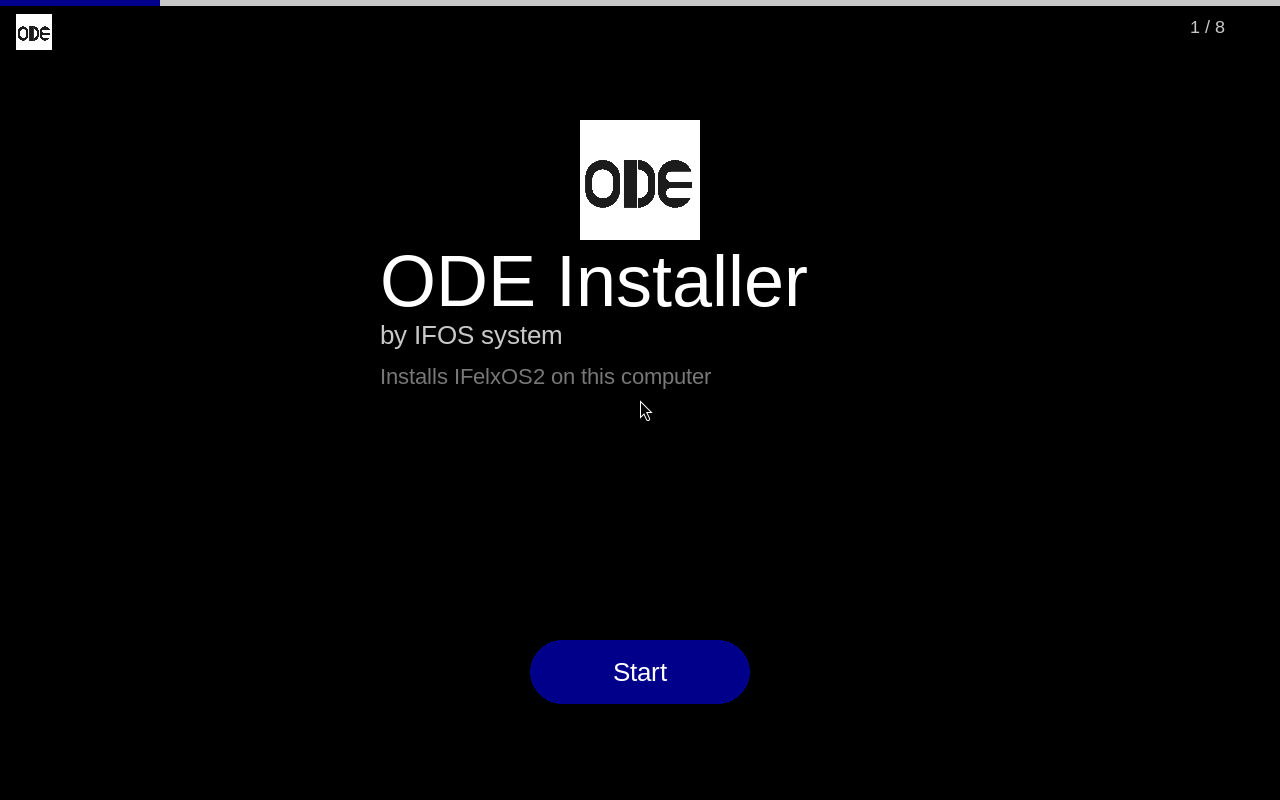
ODE is an installer medium for operating systems. It starts from a USB stick or a CD on UEFI and BIOS computers, opens a full-screen installer window and writes a system to a disk. Underneath is a small Ubuntu 24.04 that runs entirely from memory, with Xorg, GParted and the window (Python and pygame). The system being installed stays on the stick as /ifelxos/filesystem.squashfs and is read from there.
It finds its stick however it was made: written as an image (dd, Etcher, Rufus “DD mode”), files copied to a FAT32, exFAT or NTFS stick (Rufus “ISO mode”), or the ISO kept as a file (Ventoy). Keyboards, mice and laptop touchpads are picked up as they appear, including ones plugged in later.
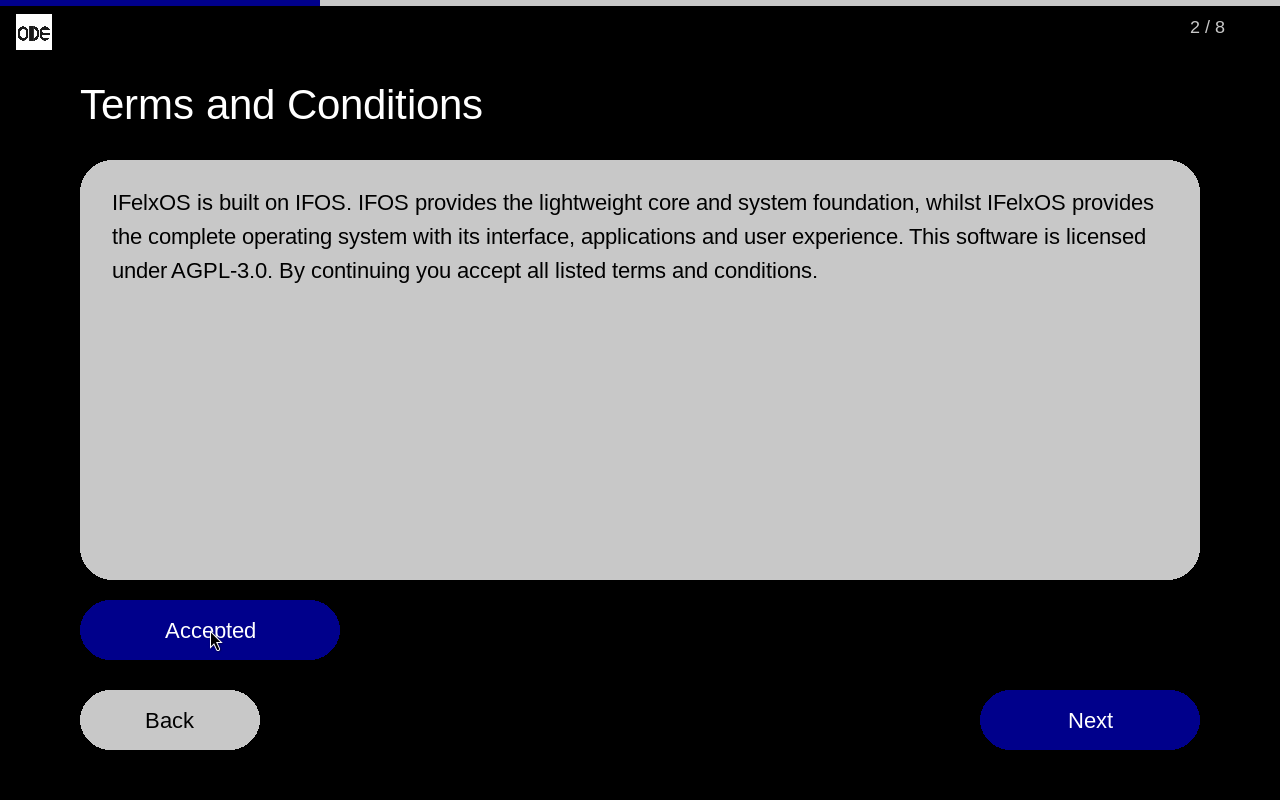
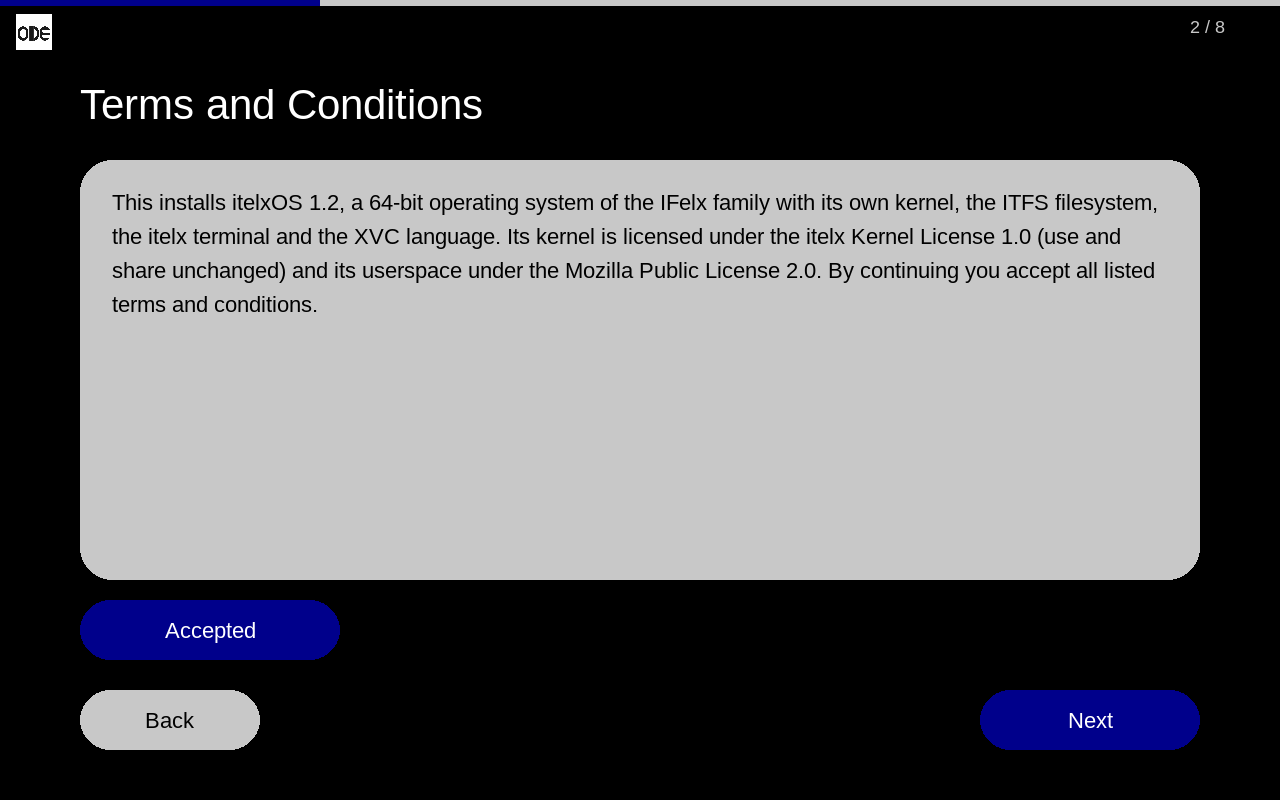
Put your own system in ODE
You do not rebuild ODE for this. Take a finished ODE ISO, change the system image and the texts, and you have an installer for your system. Kernel, installer system, window and boot loaders stay as they are. The source includes tools/make-custom-ode.sh, which does exactly that:
# Linux or WSL, as root (needs xorriso, zstd, cpio, squashfs-tools, python3)
sudo tools/make-custom-ode.sh \
    --iso ODE_installer.iso \
    --config my-config.json \
    --tree my-rootfs/ \
    -o MyOS_installer.iso
config.json
Your system's name, default computer name, minimum size in MiB, and the texts of the welcome, terms and finish pages.
The system image
A directory (--tree) or a ready squashfs (--squashfs). Systems built on IFOS2 / IFelxOS2 are installed by the stock backend as they are.
A backend, for other systems
Anything else brings its own ode-install (--backend) with the same commands and progress lines the window reads. The itelxOS example in the source is a full one, for a system that is not Linux.
{
  "system": {
    "name": "MyOS",
    "image": "/run/ode/medium/ifelxos/filesystem.squashfs",
    "default_hostname": "myos",
    "min_root_mib": 4096
  },
  "pages": {
    "welcome": { "title": "ODE Installer", "subtitle": "MyOS 1.0" },
    "terms":   { "body": "Your licence and terms here." },
    "finish":  { "title": "Installation Complete", "message": "Remove the medium and restart." }
  }
}
Checked: an itelxOS installer made with this script from the IFelxOS2 ODE ISO started in a virtual machine and showed itelxOS on its pages. The itelxOS installer built the same way installed itelxOS and started it.
| Installer system | Ubuntu 24.04, Linux 6.8, runs from memory |
| Window | Python + pygame, 8 pages |
| Install types | Erase disk · Choose a partition (with GParted) |
| Starts on | UEFI (IFelxBoot) and BIOS (GRUB) |
| Source | Window, installer system, build and tests, and IFelxBoot, the UEFI loader written from scratch |
| Licence | AGPL-3.0 |
ODE's licence does not reach the systems it carries: a system on the same stick is a separate work and keeps its own licence. That is how one ODE installs IFelxOS2 (AGPL-3.0) and itelxOS (its own licences) alike.
itelxOS 1.3
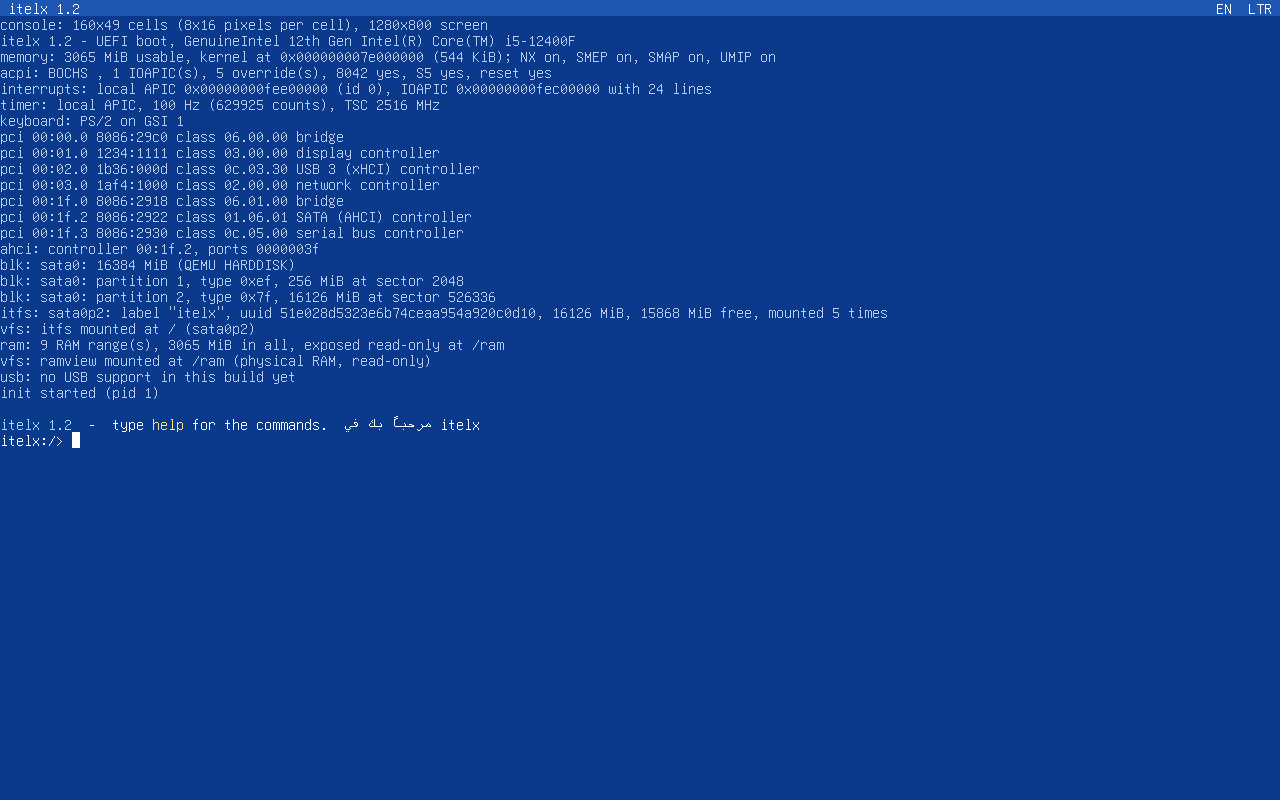
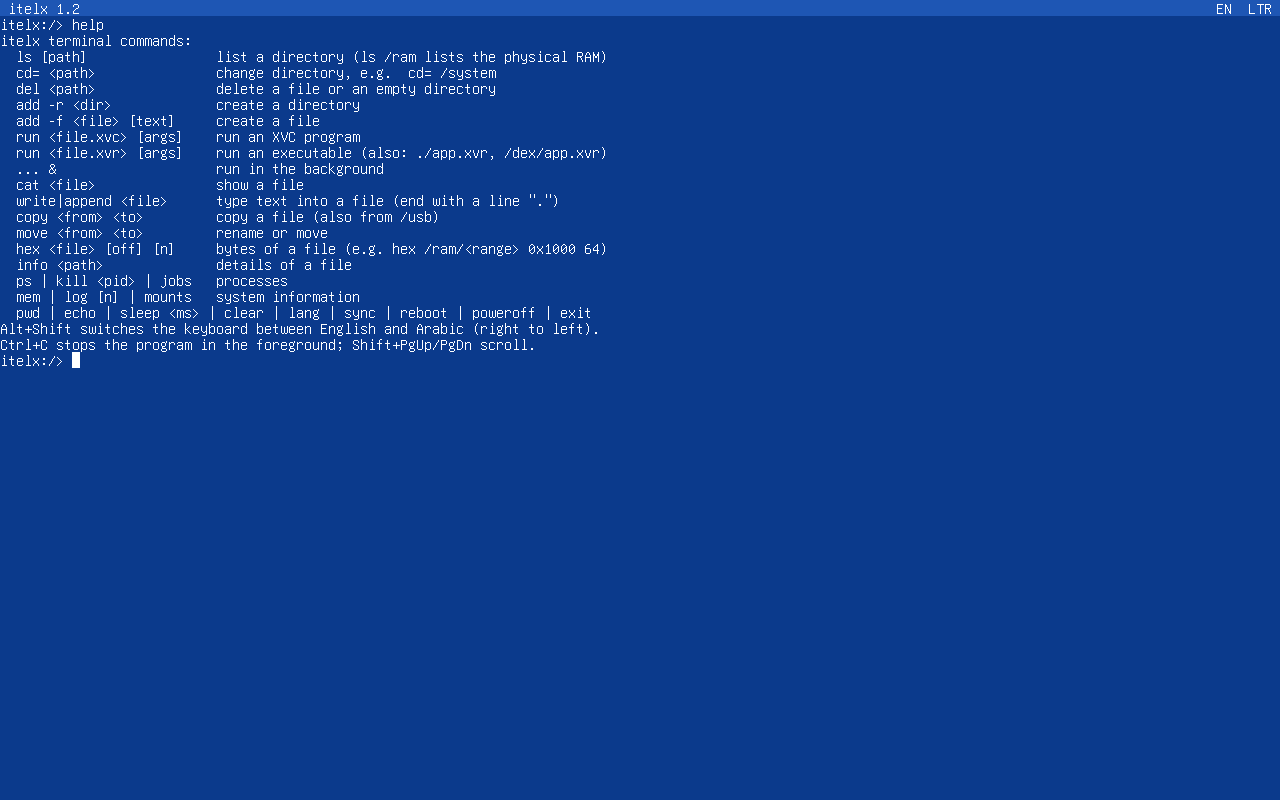
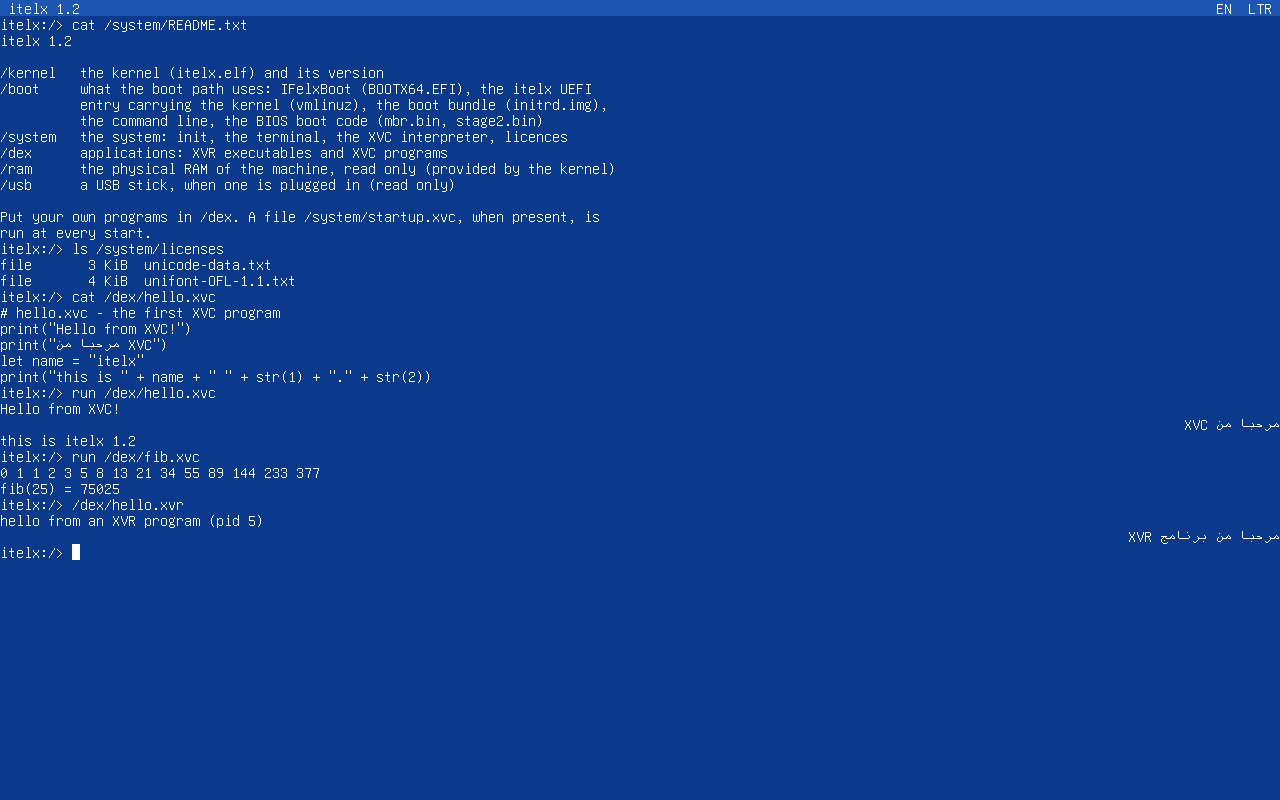
itelxOS is a 64-bit operating system of the IFelx family written from scratch: its own kernel, its own filesystem (ITFS), the itelx terminal, the XVC programming language and XVR executables. It is not Linux. The console draws Arabic and English, and Arabic text runs right to left.
| Kernel | itelx (own), x86-64, NX / SMEP / SMAP on |
| Filesystem | ITFS |
| Starts on | UEFI (IFelxBoot) and BIOS (its own boot code, no GRUB) |
| Disks | SATA (AHCI), IDE, NVMe, USB |
| Keyboard | PS/2 and USB, English and Arabic (Alt+Shift) |
| USB | xHCI (USB 1.1 to 3.x): keyboards, mice, hubs, sticks, card readers, external disks |
| USB storage | FAT32, FAT16, FAT12, read and write (not exFAT or NTFS) |
| Disk space | 256 MB at least |
| Installer | ODE installer for itelxOS |
| Licence | Kernel: itelx Kernel License 1.0 · Userspace: MPL-2.0 |
Licence
itelxOS has two licences. The kernel (the kernel, the boot code and the ITFS core) is under the itelx Kernel License 1.0: anyone may use it for any purpose, including commercially, read its source and share it unchanged, also on installation media such as the ODE installer, but modified versions may not be distributed; changes can be sent back to the author. The userspace (init, the itelx terminal, the XVC language, libitx, the system call interface and the apps in /dex) is under the Mozilla Public License 2.0: change it and share it, and changed files stay open. Programs you write for itelxOS may be under any licence you like. The licence texts are in /system/licenses.
Installing it
The download is the ODE installer for itelxOS, with the same pages as IFelxOS2's. It asks for an account, but itelxOS has no sign-in: the name is kept as the computer's owner (/system/owner) and the password is not stored. After restarting, the computer starts straight into the itelx terminal.
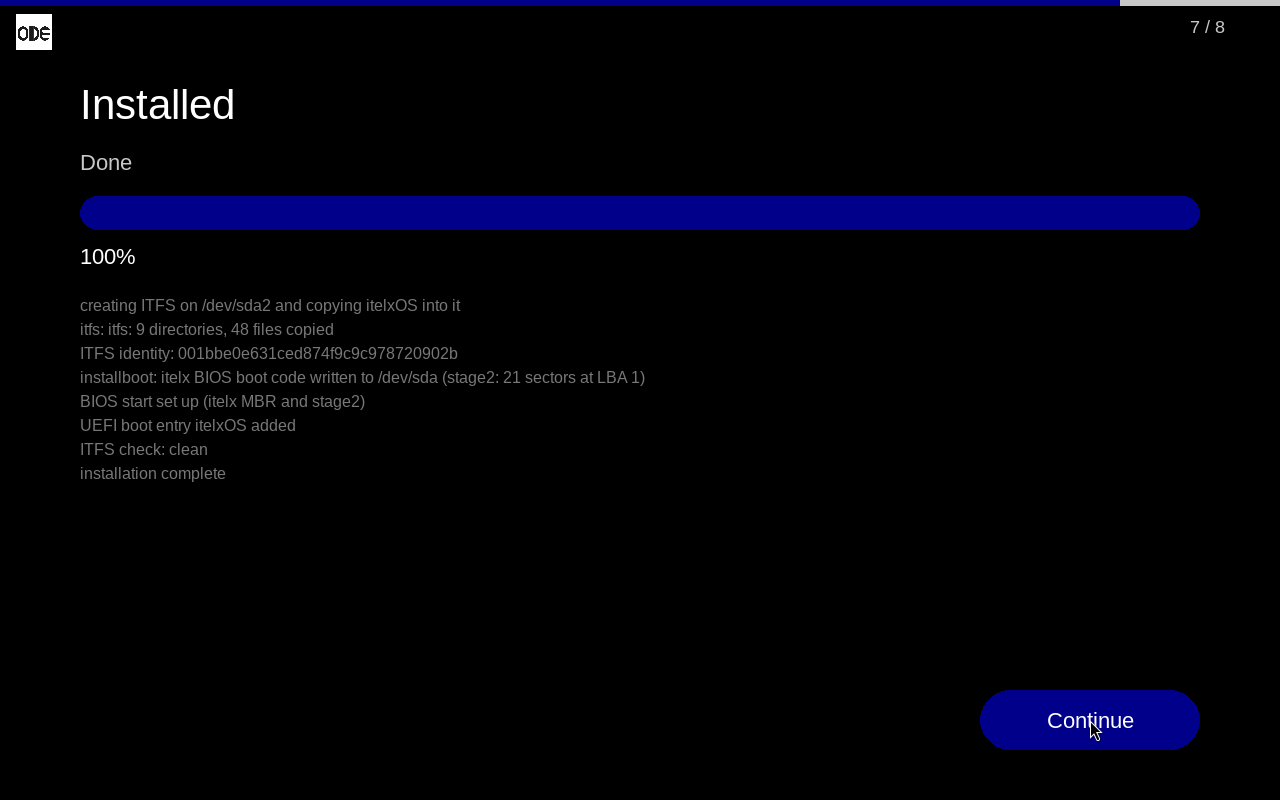
In a virtual machine give itelxOS a SATA, IDE or NVMe disk: with a virtio disk it starts but reports that the system disk was not found. PS/2 and USB keyboards both type.
Using the terminal
help | all commands |
ls · cd= /system | list and change directory |
add -r · add -f · del | make a directory or a file, delete |
cat · write · copy · move | show, type into, copy, rename files |
run file.xvc · /dex/app.xvr | run an XVC program or an executable |
usb · install · eject | USB devices, put a program from a stick into /dex, write a stick out before unplugging it |
ps · kill · mem · mounts | processes and system information |
reboot · poweroff | restart, switch off |
| Alt+Shift | keyboard between English and Arabic |
Your own programs go in /dex; a file /system/startup.xvc, when present, runs at every start. This is /dex/hello.xvc, which comes with the system:
# hello.xvc - the first XVC program
print("Hello from XVC!")
let name = "itelx"
print("this is " + name + " " + str(1) + "." + str(3))
Versions
| 1.3 Latest 2026-10-10 |
USB, FAT storage, and programs from outside the system.
ODE_installer_itelx-1.3.iso · 179 MB |
| 1.2 First version 2026-10-04 |
The first version of itelxOS.
ODE_installer_itelx-1.2.iso · 179 MB |